
How to audit internal links and fix broken ones
A practical guide to checking internal links across your site.
Explore free tools for images, QR codes and invoices, alongside Arabic-language technology guides and independent digital projects. Get started without unnecessary steps.
Choose a useful tool and get started. Each card opens a working feature on the site.
Compare real PNG, JPEG and WebP files in your browser.
Open tool →QR codesCreate QR codes for links, Wi-Fi and contact details.
Open tool →FilesReduce image sizes and compare results before downloading.
Open tool →BusinessOrganize line items and prices, then print a clear invoice.
Open tool →Image & File Tools · Image Size Planner · Creator Tools · Contractor Calculators
Guides written in Arabic, with English summaries here to help you choose what to read.
A practical guide to checking internal links across your site.

A practical introduction to srcset and sizes with a learning calculator.
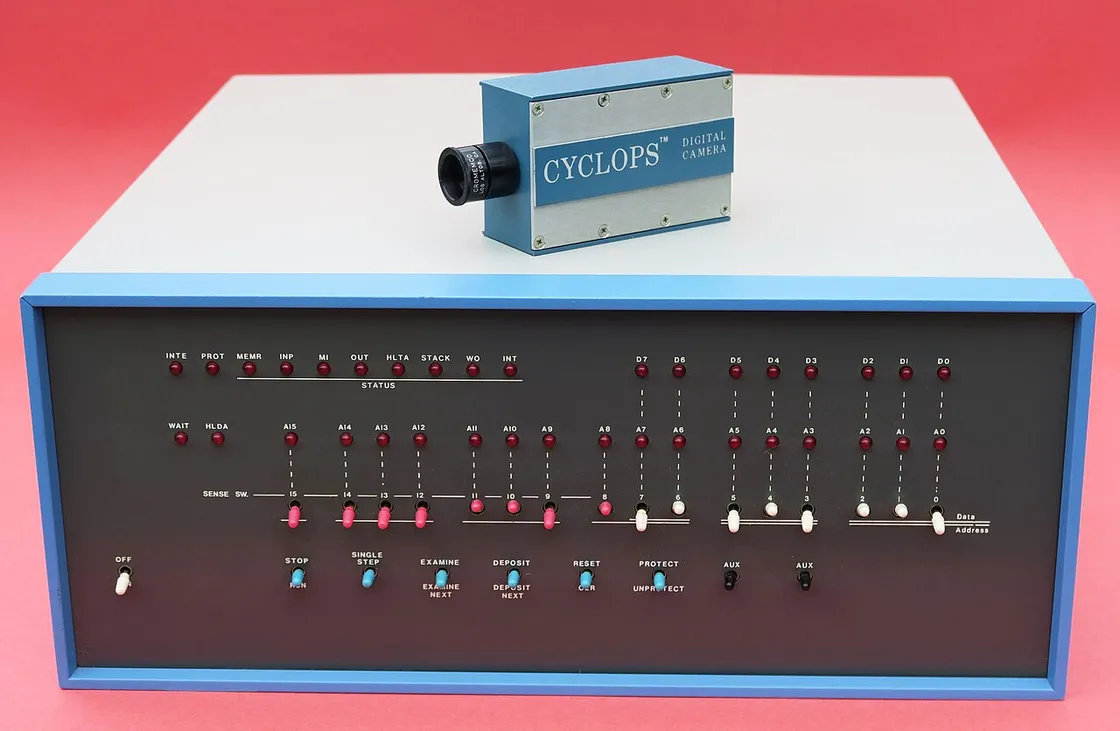
Image credit: Pixel.la Free Stock Photos / Wikimedia Commons
Repeatable experiments comparing image file sizes.
Try generating a Wi-Fi QR code with QR Code Generator, compare image formats in the Image Format Lab, or create a new invoice with clear, printable line items.
ALINOVA measured sample image files in Firefox in November 2026. At 80% quality, the text-and-shapes sample was 119.7 KB as PNG and 12.3 KB as WebP; for a dense texture sample at 90%, PNG was smaller than WebP. File size does not directly measure visual quality, and the findings are not universal.
Repeat the experiment yourselfand read the detailed image formats guide.


